
News
Google Adds Two SEO Learning Paths on YouTube
Google’s new YouTube playlists cover Search basics and technical SEO. Choose the right path and apply each lesson to a page on your website.
Google organized its video library into beginner Search fundamentals and Technical SEO fundamentals learning paths.
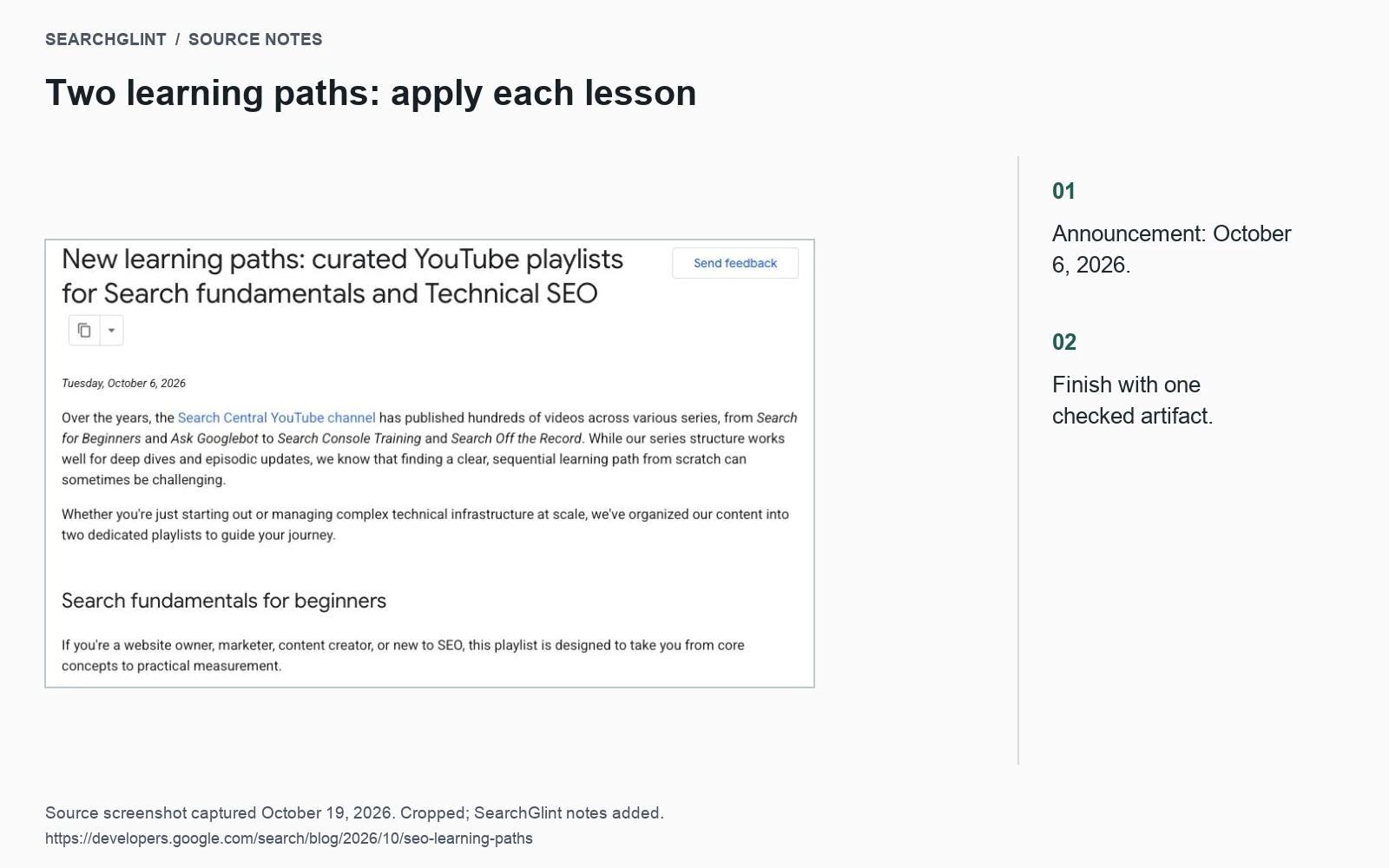
Google Search Central has organized its YouTube library into two learning paths: Search fundamentals for beginners and Technical SEO fundamentals. Announced on October 6, 2026, the playlists give site owners and developers a more direct route through an extensive video archive.
The beginner path covers how Search works, Search Console and Google Trends. The technical path focuses on crawling, indexing, duplicate content, rendering and debugging at scale. Both playlists are linked from the official announcement.
Which path should you start with?
Choose the beginner path if you need a clearer understanding of how a published page gets discovered, indexed and shown in search. It also provides context for using Search Console reports: what they measure and which questions they can help answer.
Choose the technical path when you have a concrete implementation problem, such as a crawl restriction, conflicting canonical signals or content that fails to render correctly. You can still return to an introductory lesson when a report or concept is unfamiliar.
A useful way to choose is to finish this sentence before opening YouTube: “After this session, I need to be able to check ___ on our website.” That gives the lesson a purpose and keeps the study session manageable.
Put the lessons to work on one page
Pick an article you know well and use it throughout the exercises. Following the same page from discovery through measurement makes the connections easier to see.
- Trace how someone finds it. Start at the homepage and follow the links to the article. Use the Google Search process guide to connect that route with discovery and crawling.
- Inspect an indexing question. Record the exact URL, reported state and crawl date. The indexing checklist provides a sequence for checking access, directives and page selection.
- Review one relationship. Compare a duplicate URL using the canonical guide, or improve a contextual link using the internal linking guide.
- Save the measurement setup. Record the Search Console property, date range and filters you will use to review the page later.
Give each exercise a small deliverable: a route through the site, an inspection note, a corrected link or a saved report. Another team member should be able to repeat the check from your notes.
Watch: an introduction to how Search works
This existing Search Central video introduces the process behind the first exercise.
Keep notes that survive the next interface update
The playlists bring together videos from different periods. When a screen differs from the interface you use today, check the current documentation for the relevant control. Write down the task and the field you checked, rather than relying only on a screenshot of where a button used to be.
A short note needs the lesson title, the question you investigated, the page or report checked and the result. If the existing configuration is correct, record why it is correct. That decision can save the team from revisiting the same issue during the next content update.
Sources
How Google Search Works: Crawling, Indexing and Ranking explains the practical steps in more detail.