
Seo
How Google Search Works: Crawling, Indexing and Ranking
A worked example and a five-line worksheet for understanding what happens between publishing a page and appearing in Google Search.
On this page
Google Search discovers URLs, crawls accessible pages, processes their content for its index, and selects results when someone searches. These are separate decisions. Publishing a page, listing it in a sitemap, and receiving a successful crawl are useful milestones, but none proves that the page is indexed or will appear for a particular query.
If you run a small website, the practical benefit of understanding this process is knowing which problem to solve first. Rewriting a headline cannot repair a login wall. Resubmitting a sitemap cannot make two interchangeable articles serve different purposes. This guide follows one illustrative page through the process and shows what evidence to collect at each step.
Scope: Google Search and public website pages. Technical references reviewed on October 18, 2026. Other search and AI services may apply different rules.
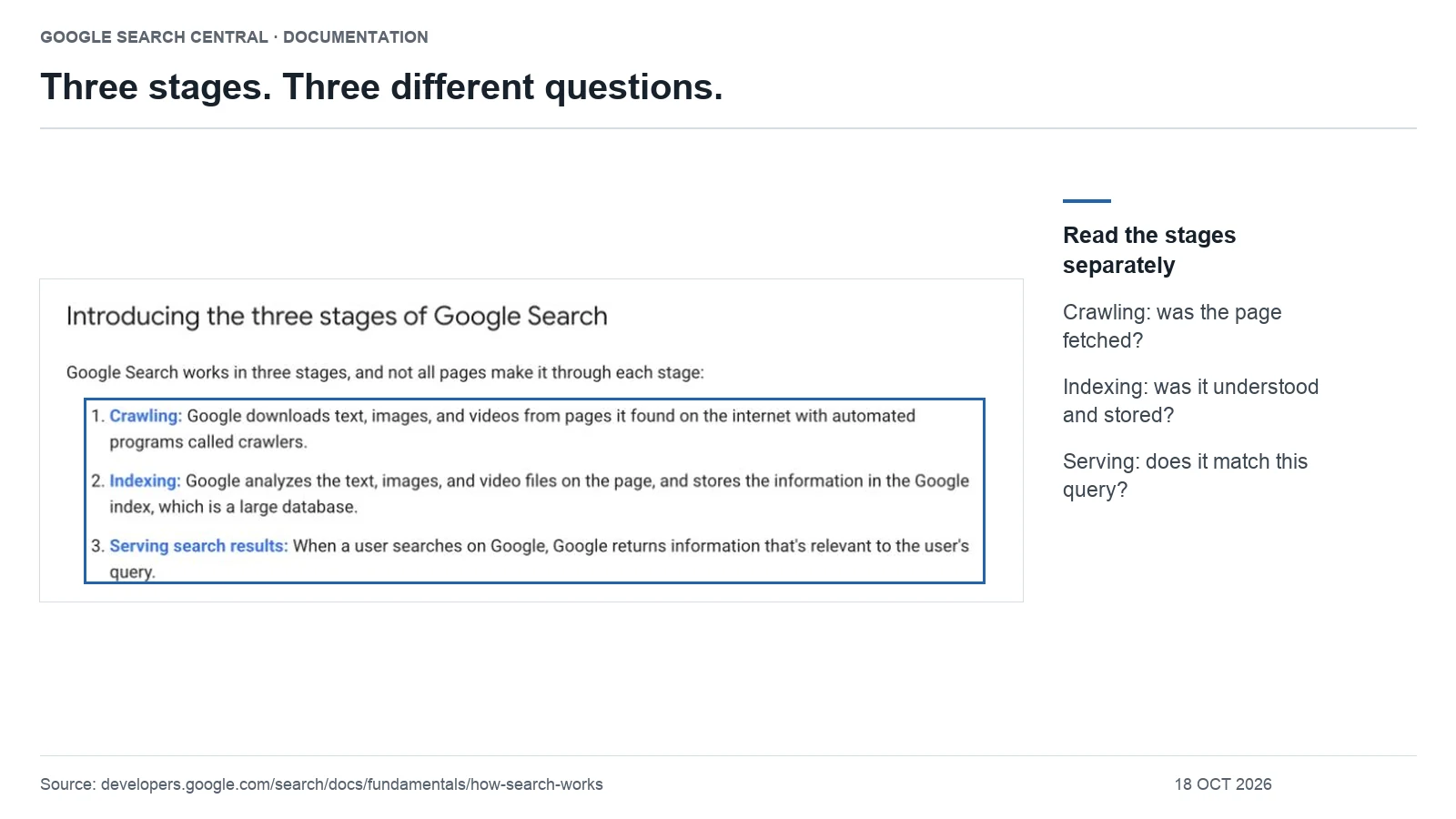
Crawling, indexing and ranking: what is the difference?
Google describes three main stages: crawling, indexing, and serving results. Discovery is part of the crawling process; ranking happens when results are selected and ordered. For a site review, it helps to separate discovery into its own checkpoint.
| Checkpoint | Question | Useful evidence | What it does not establish |
|---|---|---|---|
| Discovery | Does Google know the URL exists? | The URL appears as known in URL Inspection. | That Google has fetched its content. |
| Crawling | Can Google retrieve the page? | A successful recorded crawl and the response it received. | That the page entered the index. |
| Indexing | Has Google included this page, or selected another version? | Index status and Google’s selected canonical. | Visibility for every relevant query. |
| Serving and ranking | Does this page appear for a searcher’s task? | Relevant query and page data in Search Console. | A fixed position across locations, devices and time. |
Use this table as a work sequence, not as a claim that you can observe every internal Google decision. Start with the earliest checkpoint for which your evidence is missing or contradictory.
1. Discovery: give the page a place on your site
Consider a fictional bicycle shop publishing a guide called “How to measure your bike for a replacement chain.” The shop adds the guide to its CMS but leaves it out of the maintenance category and every related article. A customer can open the address if someone sends it, yet there is no obvious route to it while browsing the site.
Our first recommendation is to place a descriptive link in the maintenance category and, where useful, in the existing chain-care article. Then check that the preferred URL is included in the automatically maintained sitemap. The two actions serve different readers: an internal link gives people context; a sitemap supplies a discovery list.
Google’s sitemap guidance explains when a sitemap can help discovery. It is not a replacement for a navigable site. Before installing another sitemap plugin, open the relevant category as a visitor and try to reach the new page.
For your own page, record its exact address, the category that links to it, and one genuinely related article that helps a reader find it. If you cannot name that related article, consider whether the new page belongs in the existing content plan.
For a repeatable way to choose source pages, link roles and anchor text, use our internal linking plan and ledger.
2. Crawling: check what the request actually returns
Now imagine that the bicycle guide is linked correctly but a launch setting still redirects logged-out visitors to a password screen. The editor sees the complete guide because their browser is authenticated. The public request sees something else. Adding more text to the guide will not resolve that mismatch.
Check the exact public URL while logged out, inspect its response, and compare the result with Google’s inspection evidence. A successful HTTP response alone is insufficient: a page can return 200 while displaying an error or an empty shell. Google documents this distinction in its HTTP status guidance.
If your page relies on JavaScript for the main instructions, inspect whether that content appears in Google’s rendered output. A visible navigation bar does not prove that the measurements table loaded. Google’s JavaScript SEO documentation explains the role of rendering.
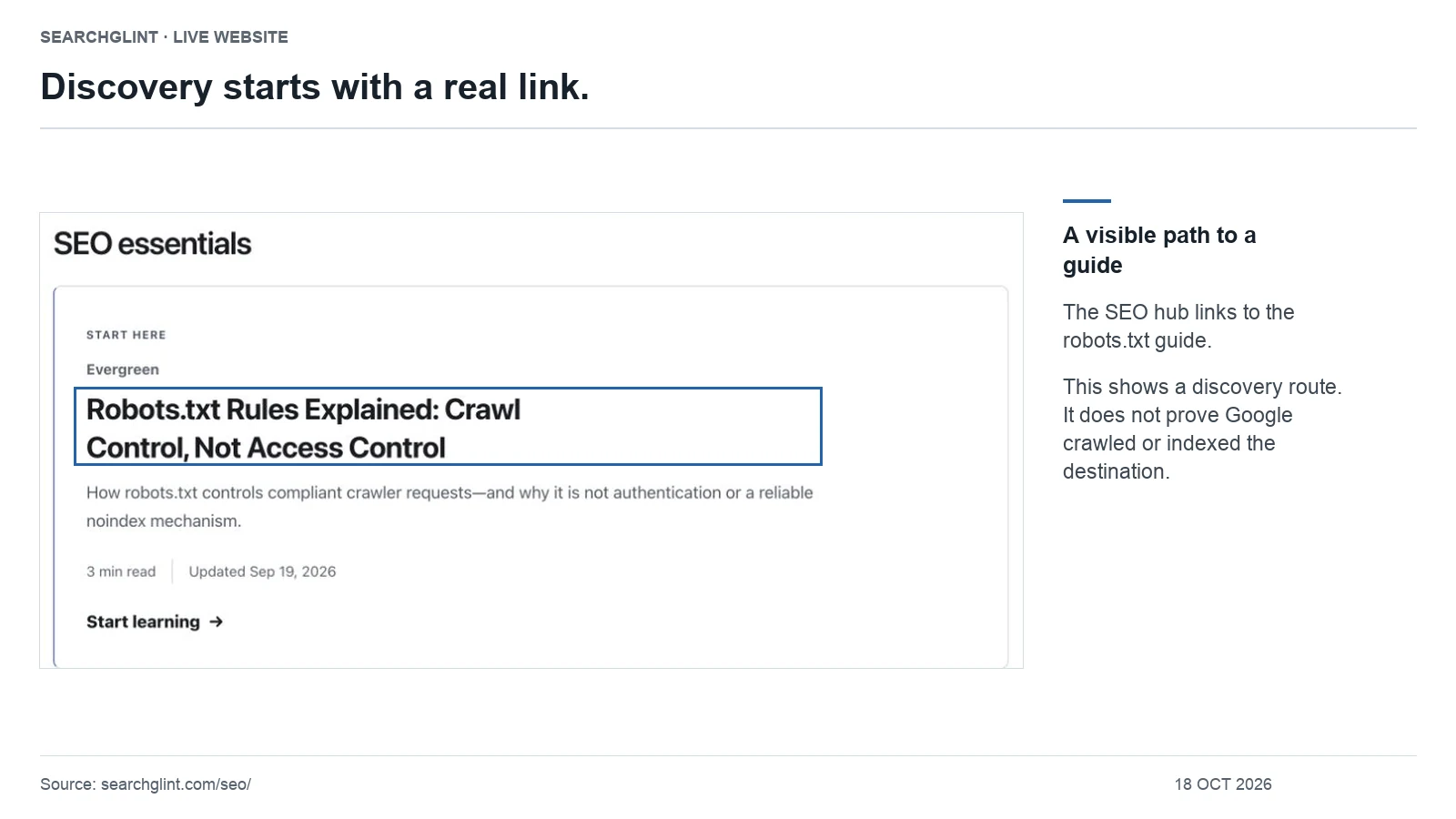
Use our robots.txt rules guide if a crawl restriction is involved. The purpose here is to confirm access to this page, not to change every crawler policy on the site.
3. Indexing: confirm which page Google selected
Suppose the shop accidentally publishes the same guide at both /guides/chain-size/ and /blog/chain-size/. Both return the article successfully. That gives the site two addresses, not two distinct answers.
Google can group similar pages and choose a canonical version. Your declared canonical is a signal; it is not a command that forces Google’s choice. See Google’s canonicalization guidance.
For this example, choose which address belongs in the site structure, point internal links and the sitemap to that address, and review whether the other version needs to remain accessible. Do not change the preferred address merely because it has not yet appeared for a keyword.
Also check indexing directives. A page meant to be public can inherit an accidental noindex setting from a template. Conversely, an intentionally excluded account page does not become a problem just because a report lists it as unindexed. Our noindex versus disallow guide explains the controls.
4. Ranking: connect the indexed page to a specific task
Once the intended bicycle guide is indexed, the next question is different: does it help someone choose or measure a replacement chain? An introduction about the history of cycling would not satisfy that task, even if every technical check passed.
For this fictional guide, useful editorial work could include a measurement diagram, a worked example, a compatibility warning, and instructions for readers whose old chain is missing. Those additions solve identifiable problems. Repeating “bike chain size” throughout the page does not provide the missing measurement method.
Write down the task in one sentence before changing the article: “The reader needs to determine which measurements and compatibility details to check before ordering.” Then test each section against that sentence. Keep context that changes the decision; shorten background that delays it.
Google’s helpful content guidance encourages original information and useful analysis. There is no prescribed word count that turns an indexed page into a competitive result.
A five-line worksheet for your next page review
- Intended URL: Which exact address should represent this content?
- Reader task: What can someone finish after using the page?
- Last confirmed checkpoint: Discovery, crawl, index, or observed search visibility?
- Evidence gap: What do you still need to inspect before making a change?
- Next action and verification: What will you change, and what observation would show that specific change worked?
For example: “The guide is linked from the maintenance category; the live request still shows a password screen; remove the unintended public access restriction and retest the logged-out page.” That is a narrower and more useful task than “improve SEO.”
Choose your next step
If the page is missing from Google’s index, use our page indexing troubleshooting checklist. If you need to decide which URLs to submit, use the XML sitemap guide. Return to the SEO guide library for the wider learning path.
The bicycle-shop scenario and review worksheet are original instructional examples, not a reported client result. Technical behavior is supported by the linked primary documentation.
Questions about Google indexing and AI search
Does being indexed mean a page will rank for my keyword?
No. Indexing concerns inclusion and the selected page version; ranking concerns which results Google serves for a particular query. Confirm indexing first, then evaluate whether the page answers that query and whether it receives relevant impressions. A missing result for one keyword does not by itself prove that the page is unindexed.
Must a page be indexed to appear as a supporting link in Google AI Overviews or AI Mode?
Yes. Google says a supporting page must be indexed and eligible to appear in Search with a snippet. Meeting those conditions does not guarantee selection. Google does not require a special AI text file or dedicated schema for these features. See Google’s AI features requirements; this guidance is specific to Google, not a claim about every AI service.
Official video: the stages of Google Search
Introducing How Search Works
Publisher: Google Search Central. Published: .
Google Search Central introduces crawling, indexing and serving results. The chapter at 1:39 explains the three stages; it supports the terminology used in this guide, not a guarantee that any particular page will appear.
Watch the official video on YouTube from 1:39 →
The video is supporting material. For current requirements and interface details, use the official documentation linked in the relevant sections above.
Sources and review notes
Technical claims are linked to primary documentation beside the relevant explanation. SearchGlint’s worksheets, decision tables and labeled examples are editorial methods, not Google requirements. Images use cropped screenshots of identified pages or, where labeled, local renderings of unmodified public XML. SearchGlint added outlines and explanatory text. Screenshots show only the captured content; they do not establish Google indexing, rankings or AI citations. Evidence reviewed: .
This guide separates documented platform behavior from interpretation and identifies the source behind material claims.