
Seo
Internal Linking for SEO: Where to Add Links and What to Check
Plan internal links around the reader’s next step. Learn where to place links, write clear anchor text and find important pages that are hard to reach.
On this page
A useful internal link appears at the moment a reader needs another page. It might explain a term, help them solve a related problem, or take them to the next step. Planning around those moments produces a clearer site than adding links to meet a quota.
Start with your most important articles. Each should be reachable from a relevant topic page and linked from other content where it helps the reader continue. Then check the links on the published site.
Give each page a clear job
Before choosing anchor text, write down what the destination helps someone do. “Understand how indexing works” and “diagnose a page that is not indexed” are related tasks, but they deserve different explanations. The link between them is useful because the reader moves from understanding a process to solving a problem.
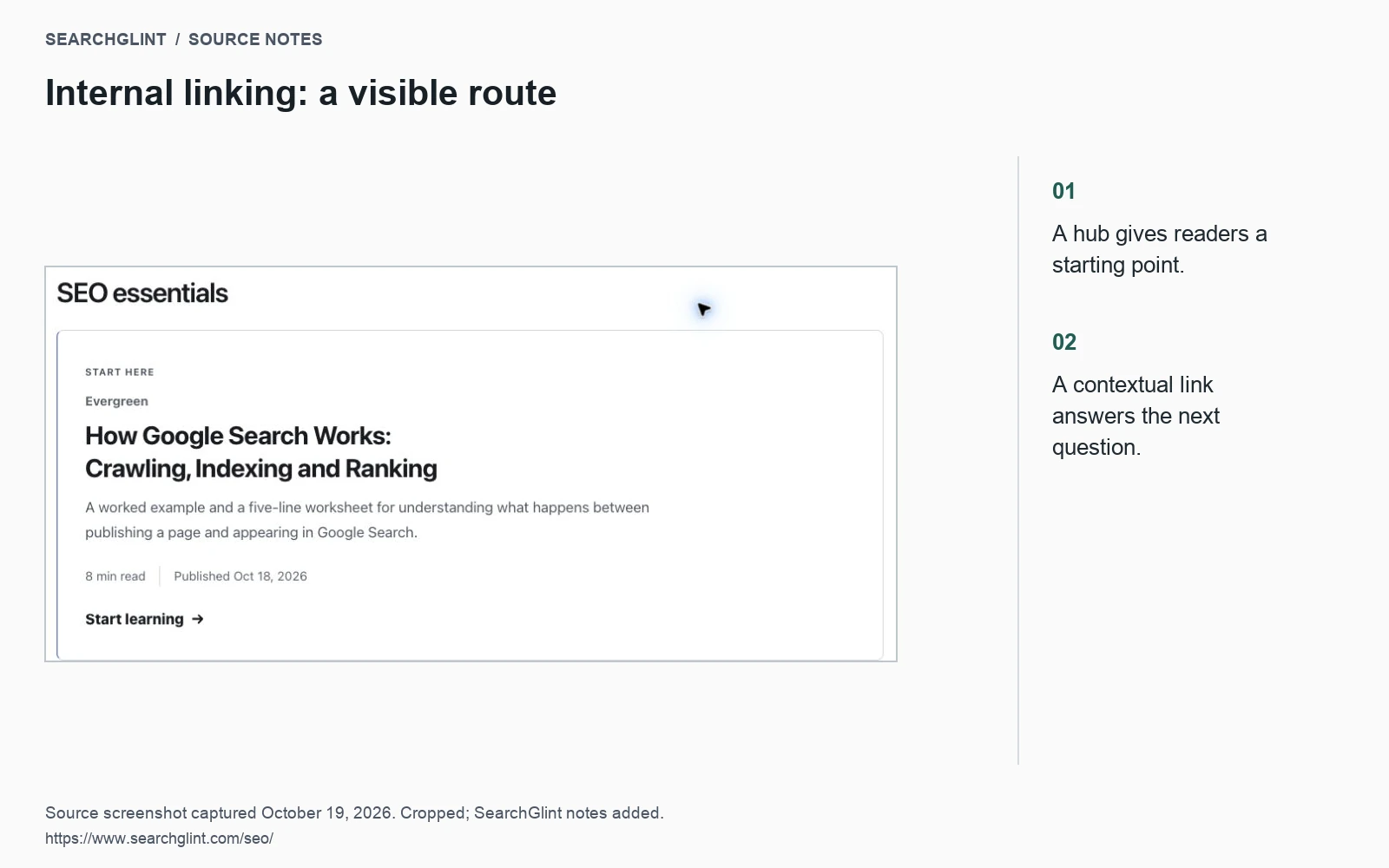
Our Google Search guide, indexing checklist and XML sitemap guide follow that sequence. When the search guide reaches indexing problems, it points to the checklist. When the checklist reaches discovery, it points to sitemap maintenance.
If two articles promise almost the same answer, settle that overlap first. You may need to combine them or give one a narrower purpose. Adding more links between interchangeable pages leaves the reader with the same choice to make.
Choose links by their role
| Placement | Purpose | Example |
|---|---|---|
| Topic hub | Help visitors browse a subject | The SEO hub links to its indexing guide. |
| Within an explanation | Supply detail needed at that point | A paragraph about duplicate pages links to canonical guidance. |
| At the next step | Continue the reader’s task | A launch checklist links to sitemap verification. |
Look for the paragraph where the destination answers a question the current page raises. A link placed there usually needs less explanation than a long “related reading” list at the bottom.
For example, a sentence about duplicate URLs can point directly to the canonical URL decision guide. The reader knows what they will find before opening it.
Write anchor text that predicts the destination
Google’s link guidance recommends descriptive anchors and crawlable links. Use a normal HTML link with a usable destination:
<a href="/seo/xml-sitemaps/">XML sitemap checklist</a>“XML sitemap checklist” tells the reader more than “click here.” Keep the phrase as long as it needs to be to describe the page. Repeating the destination’s name is fine when it fits; forced synonyms often make navigation harder to follow.
Read the sentence with the link text included. If it sounds like a list of keywords, rewrite the sentence. If several nearby links all lead to the same place, keep the one that offers the clearest reason to visit.
Keep a short link list
For each planned link, record the source page, the paragraph to change, the destination and the proposed anchor. One row might read:
Indexing checklist → discovery section → XML sitemap guide → “check sitemap inclusion.”
This gives an editor enough context to make the change without guessing. Once published, add the check date and confirm that the destination opens at the intended URL. Point new links directly to the current address where possible, rather than through an old redirect.
Find pages that are hard to reach
Compare the CMS article list with the pages reachable through public navigation and contextual links. Investigate any important page missing from that route. Check the crawler’s starting URL and exclusions before classifying a page as an orphan.
On a small site, a manual check is often enough: start at the homepage, open the topic hub and try to find the article. Repeat while logged out. A sitemap can help discovery, but visitors still need a useful route through the site.
Check the result after publishing
- The link appears in the right paragraph and describes the destination accurately.
- The destination opens without a login prompt, broken page or unexpected redirect.
- The destination uses the preferred canonical URL.
- The important explanation remains readable on the page itself.
Record these changes alongside later Search Console observations. If several things changed at once, examine them together before attributing a rise in impressions to one link.
The same clear structure helps readers arriving from AI search. Google’s AI features guidance points site owners back to established search practices, including making content easy to find through internal links.
Watch: internal linking with Google Search Central
Martin Splitt explains link placement, HTML and anchor text in this short video.