
Seo
Canonical URLs: Choose and Verify the Right Page
Learn when to use a canonical tag or redirect, align internal links and sitemaps, and check why Google may select a different URL.
On this page
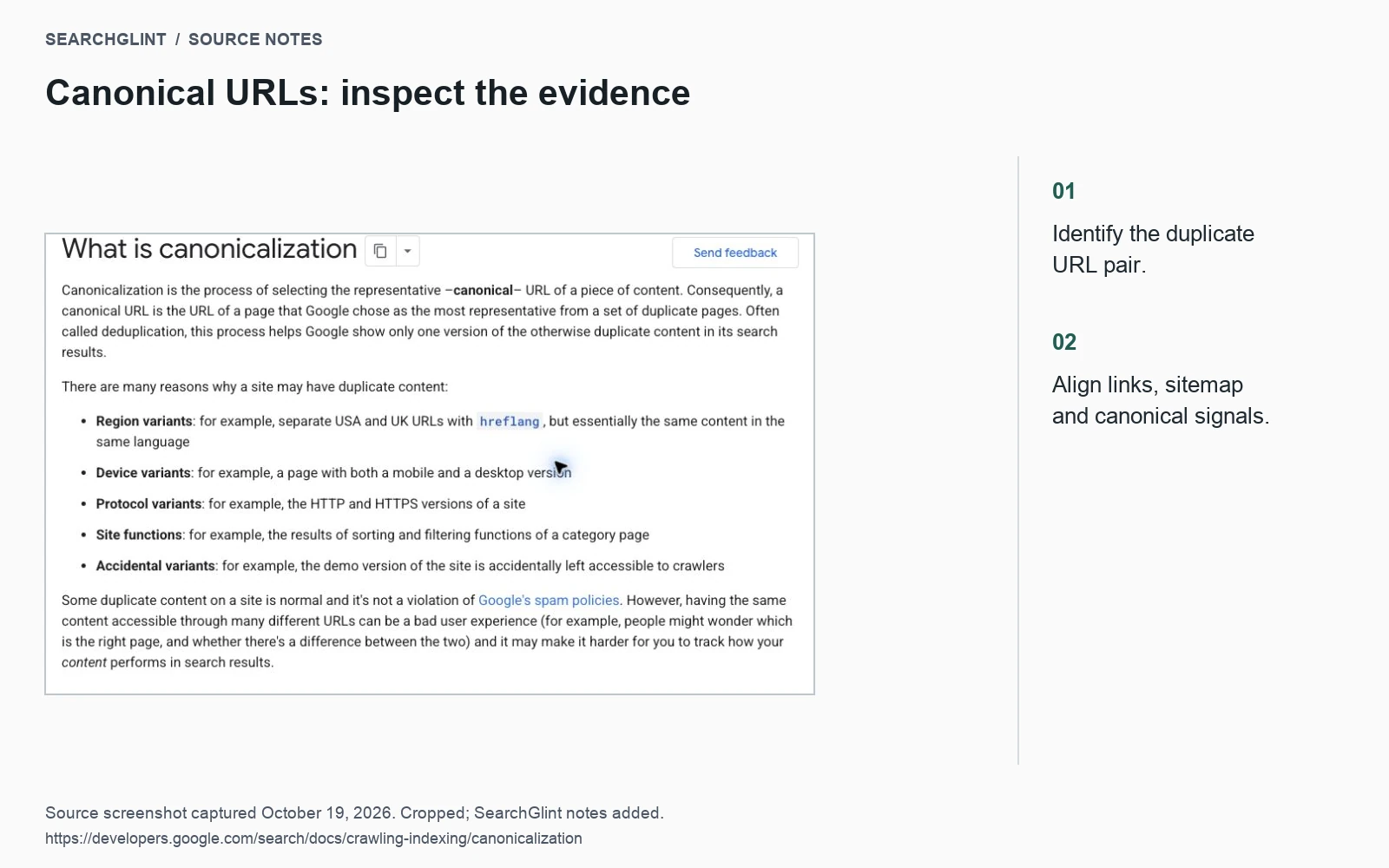
A canonical URL is the address you want search engines to use for a page when the same or very similar content appears at several URLs. The canonical tag expresses that preference; visitors can still open the other versions, and Google may select a different representative.
The first decision is whether both URLs need to remain available. An old page with a replacement may need a redirect. A tracking variant may need to stay accessible while pointing to the clean URL. Two genuinely different guides should usually keep their own addresses.
Choose between a redirect and a canonical
Suppose a workshop publishes a chain-repair guide at /guides/chain-repair/. An email campaign adds tracking parameters to that URL. The article is unchanged, so the clean address is a sensible canonical target.
If the workshop moves the guide from an old blog path, a permanent redirect can take readers to its new home. A separate checklist for choosing replacement parts serves a different purpose and should be assessed as its own page.
| Situation | Likely choice |
|---|---|
| An old article has moved to an equivalent replacement | A permanent redirect to the new address |
| A duplicate variant must remain usable | A canonical pointing to the preferred equivalent |
| Two articles answer different questions | Distinct URLs with clear titles and internal links |
| A public page should stay out of search | An appropriate noindex directive |
| A page contains private information | Authentication or other access control |
Google’s canonicalization overview explains how similar pages are grouped and a representative is selected. The distinction matters when you see a duplicate URL excluded from search: the preferred version may already be indexed correctly.
Keep the preferred address consistent
For an HTML page, place the canonical annotation in the document head:
<link rel="canonical" href="https://example.com/guides/chain-repair/">Use the real absolute URL in place of the example above. Then check that relevant internal links and the XML sitemap also use that address. Google’s consolidation guidance describes redirects, canonical annotations and sitemap inclusion as signals used in the selection process.
Inspect the published HTML even if the CMS setting looks correct. A theme and an SEO plugin can both emit a canonical tag. Conflicting output is easy to miss when each setting is reviewed separately.
Check a pair of URLs together
For each duplicate pair, keep five details in the same note:
- Requested URL: include any parameters.
- Response: record the status and final destination.
- Declared canonical: copy the value from the actual response.
- Site references: check which address appears in navigation and the sitemap.
- Google-selected canonical: record the URL Inspection result and its crawl date.
For the workshop example, the clean guide and email variant might both declare the clean URL correctly while the category page still links through an old blog address. Updating that link removes an unnecessary detour and brings the site’s references into agreement.
When Google selects another version
Open the selected page and compare its main content with your preferred version. Check for stale redirects, conflicting tags, alternate URLs in the sitemap and repeated internal links to the other address. If the pages answer different questions, reconsider whether they should share a canonical at all.
Next, compare the inspection crawl date with the date of your change. An older crawl cannot reflect the correction. The URL Inspection documentation explains the difference between recorded indexing information and a live test; a successful live fetch does not establish Google’s selected canonical.
If the problem extends beyond duplicates, continue with the page indexing checklist. For an intentional search exclusion, use the noindex and disallow guide to choose the appropriate control.
Watch: using URL Inspection
This Google Search Central walkthrough explains the inspection process. Some interface labels have changed; the current field definitions are in the documentation linked above.